

U Control: Storm Tracker Radar Help Guide
The U Control: Storm Tracker Radar allows you to choose how you’d like to view weather data. Scroll over View and choose from satellite, which shows you a satellite image of your location; map, which shows a view of all the streets and highways; and terrain, which gives you a detailed look at geographical features.
Location
The U Control: Storm Tracker Radar allows you to change the storm coverage area to anywhere in the U.S. To do this scroll over Location and enter a city, state, zip code or address into the find box, then click Locate.
Zoom
If you want to zoom in on a position on the map you can use the slider located on the left hand side of the map. Pushing the bar up will zoom the map in, pushing it down will zoom the map out. Plus, when you hover over the slider bar you can choose a street, city, country or world view which will cause the map to zoom in closer, or zoom out.
Weather
Under the Weather tab on the U Control: Storm Tracker Radar you can customize your weather forecast by choosing one or all of the following: radar, current conditions, watches and warnings, global lightning and buoy and ship data.
Radar
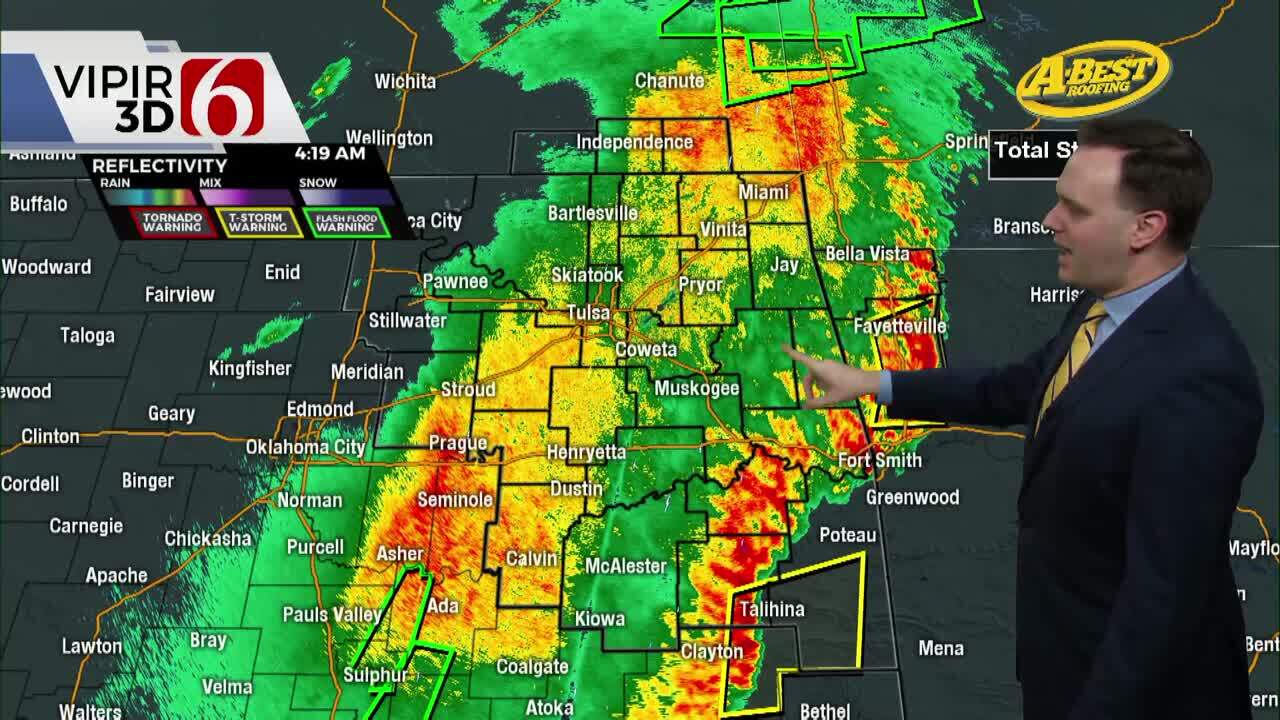
Shows you what weather systems are on radar right now! It allows you to track the storm and zoom in on any location to see where the storm is going.
Current Conditions
Shows you what the temperature is right now anywhere in the world. You can also click on the current temperature to get the wind speed and direction, current humidity, visibility and barometer readings. In the Current Conditions Forecast tab you’ll also find a five day forecast with the lows, highs and weather outlook.
Watches and Warnings
Will show you which counties are under a weather warning. Plus, when you click the yellow icon you get information from the National Weather Service on what areas are affected and what time the watch or warning is set to end.
Global Lightning
Shows you where lightning is striking! It also shows you the day, time and latitude and longitude of the lightning strike.
Buoy and Ship Data
Shows you the position of buoys and ships in the ocean including the air temperature, water temperature, wind speed, pressure, sky conditions and wave action.
Severe Weather
Under the Severe tab you can choose to change the map to include watches and warnings, global lightning strikes, storm attributes, storm reports and weather outlooks for today and tomorrow.
Global Lightning
When you check the global lightning box you will see all the current lightning strikes from the World–Wide Lightning Location Network.
Storm Attributes
The storm attributes option gives storm cell identifications, including storm characteristics and an animated projected path of the storm.
Current Strong Storm Potential
Checking the current strong storm potential check box will add a colored overlay on the map that shows you the potential threat of storm in an area.
Current Rotating Storm Potential
The current rotating storm potential combines wind shear and instability to show the probability for large hail, damaging winds and possible tornadoes.
Current Overall Severe Potential
Enabling this option will show you the current risk for severe weather, including large hail and tornadoes.
Storm Reports
Check the box next to storm reports to view all the severe weather reports gathered by the National Weather Service.
Storm Outlooks
Outline the severe weather risk, including the probability of tornadoes, hail and wind with the storm outlooks option. The categorical outlook outlines today’s severe weather risk. The threat levels range from general thunderstorms to severe weather. Tornado, hail and wind probability outline today’s probability of a tornado, hail or wind event happening within 25 miles of a point on the map.
Hurricane
The U Control: Storm Tracker Radar also gives you the power to track hurricanes. The tools you can choose from include, recon data, wind radii, forecast and track paths and forecast model tracks.
Recon Data
Checking recon data will display weather data collected by the “Hurricane Hunter” aircraft that are deployed to track tropical systems.
Wind Radii
Selecting wind radii outlines areas that are expected to receive tropical storm and hurricane force winds.
Forecast and Track Paths
This option will display the previous, current and forecast positions of tropical systems, and includes the cone of possible error.
Forecast Model Tracks
The forecast model track shows you the positions of tropical systems as forecasted by numeric weather models.